
Automatically update models
The automatic update model is used for scenarios where the physical model is inconsistent with the database structure: the model comes from the database in reverse, and then changes such as adding and deleting fields in the database, and the model side has been out of sync with the database. Automatic update Refreshes the current model based on the database, which is used to realign the model with the current state of the database.
Applicable Scenario
| Scenario | Applicability | Description |
|---|---|---|
| Physical model obtained in reverse, changed fields in the database | Applicable | Overwrite updates based on the database |
| New tables in the database need to be added to the model together | Not applicable | Automatically update only existing tables in the model, use Custom Update Model instead |
| Conceptual, Logical Model | Not Applicable | Update Dependent Database Physical Structure |
Perform automatic updates
- Verify that the model is a reverse-obtained physical model and that the target data source is bound.
- Performs an automatic update of the model on the model.
- Perform an update after connecting to the database.
- Physical properties of the checklist and fields after the update is complete.
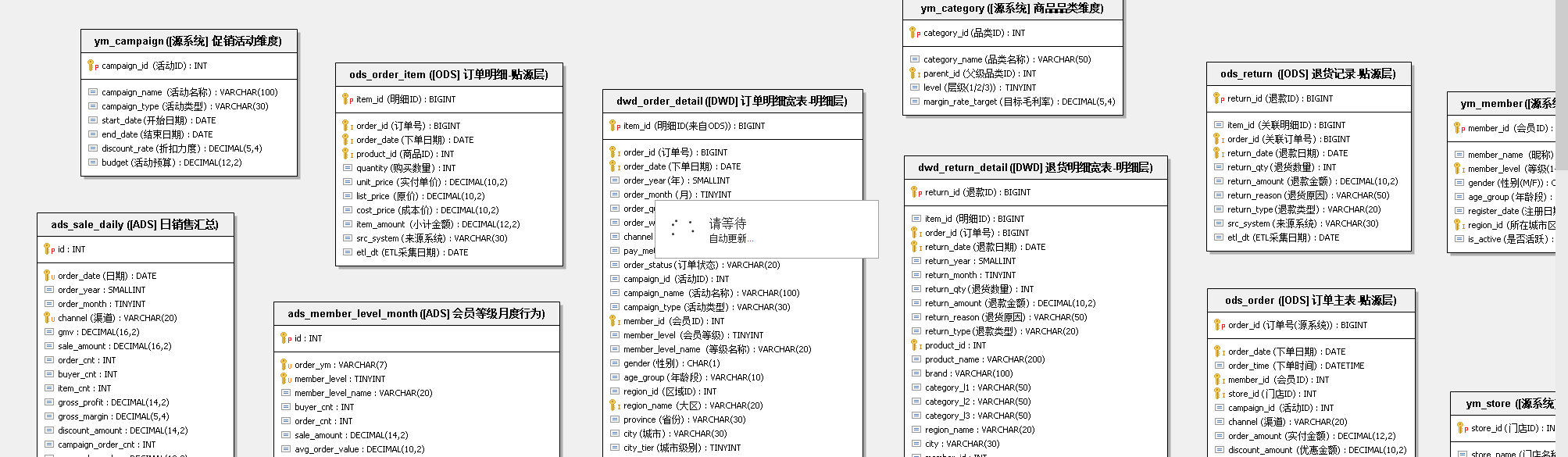
The diagram shows the execution entrance of the automatic update model. The focus of the diagram is to confirm that the target database corresponds to the model one by one before execution.
Update scope and boundaries
Automatic updates only process existing tables in the current model, and overwrite physical attributes such as fields that update existing tables based on the database.
| Property Type | Is Overridden | Description |
|---|---|---|
| Physical properties (fields, types, etc.) present in the database | Overwrite updates | Subject to the current structure in the database |
| Attributes not in the database (such as Chinese names) | Not overwritten | Attributes such as Chinese names maintained in the model are retained |
Therefore, model-side information such as Chinese names and definitions are still retained after automatic updates, while physical attributes such as field types and lengths are rewritten according to the database. Understanding this boundary avoids the misconception that the update will empty the name and description of the side of the model.
Notice
- Automatic updates overwrite existing physical properties in the model, confirming that the model has been submitted or backed up before execution.
- New tables added to the database are not automatically added, and the Custom Update Model is used when new tables need to be included.
- Before execution, confirm that the connected data source is consistent with the corresponding library of the model. For the data source, see Client Unified Data Source Management.