
Find and maintain table and column metadata
Datasets contains structured metadata from relational and nonrelational sources, dictionaries, DDL, API files, and custom metamodels. Business users read definitions, data stewards maintain business properties, and technical users inspect structure and changes.
Know which objects appear in Datasets
| Source | Typical objects |
|---|---|
| Relational database | Sources, databases, schemas, tables, columns, views, procedures, functions, indexes, constraints |
| HBase, MongoDB, and other nonrelational sources | Databases, collections, columns, and objects recognized by the plugin |
| DDM dictionaries and DDL | Parsed tables, columns, entities, attributes, views, procedures, functions |
| API metadata | Services, endpoints, parameters, relationships |
| Custom metamodel | Defined objects, properties, hierarchies, associations |
Harvested or imported reports belong in Reports; file server objects belong in Files. See Harvesting.
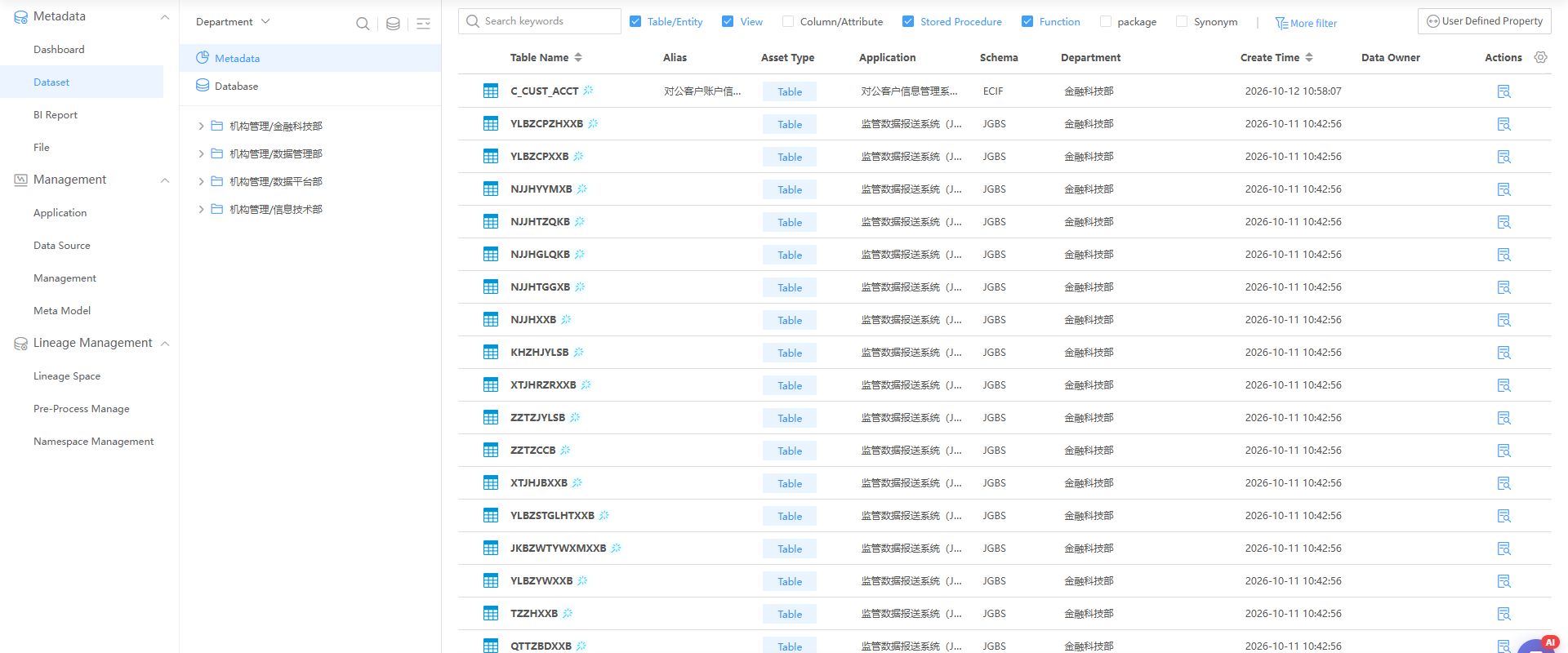
Use the By Technical Department view, all-metadata and all-source filters. Columns include physical name, Chinese name, asset type, system, schema, department, and creation time. Open details through row actions. Pagination and counts reflect the current query.
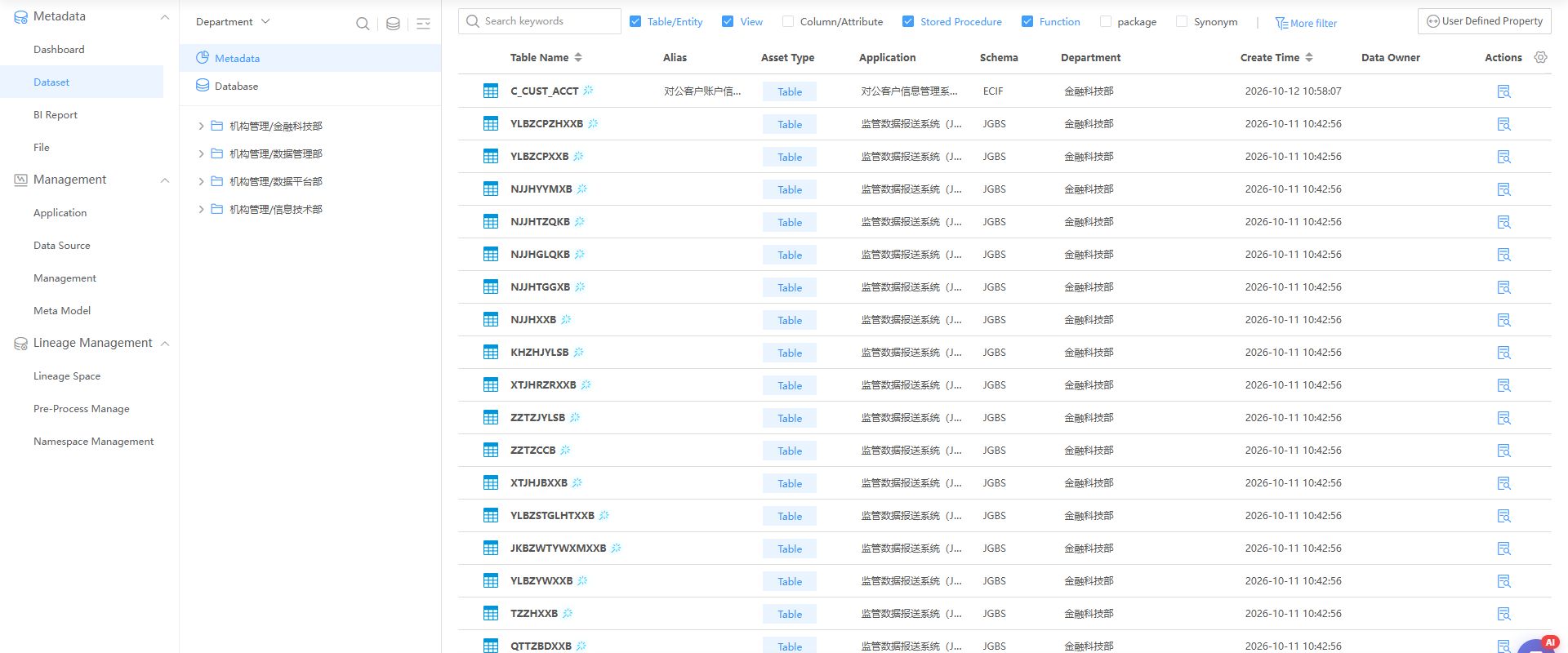
Open the full image. Names and counts illustrate fields and navigation only.
Find an object
- Go to Metadata Management > Datasets and select a system or source.
- Search for a table, column, view, function, procedure, API, or metamodel object.
- Narrow results by type and other available filters.
- Verify source, schema, and physical name before opening similarly named objects.
For large inventories, choose a department or source before searching. Cross-check system, schema, and physical name. Counts represent filtered results, not all platform metadata.
View tables and columns
Table details include columns, samples, and lineage. Click a column name for details. Read business and technical properties together; the Chinese display name does not replace the physical identifier.
Edit supported properties and reopen to verify. Distinguish source properties from steward-maintained properties, and review history after subsequent harvesting. Viewing SQL for views, procedures, and functions requires role permission beyond object visibility.
View sample data
Sampling reads real data and requires permission. Distinguish database errors from empty results; check error details, read rights, and structure access. Sampling explains columns but does not replace full quality validation or marketplace delivery.
Hive sampling first reads structure, then the requested rows. Structure errors produce Sampling Failed; a successful empty query produces No Data. Diagnose these separately.
Compare change history
Select two records in Change History and compare table properties, columns, and indexes. Record additions, deletions, and modifications, then assess dependencies through Basic lineage. This is object history, not software version history.
View object relationships
Knowledge Graph shows associations with tags, columns, systems, and other resources. Choose the correct resource and relationship meaning. Knowledge associations are not automatically transformation lineage.
Export and update in bulk
After technical harvesting, export and update business semantics: logical/Chinese names, descriptions, tags, ownership, and standard mappings. These update DAM governance properties, not database structures.
| Content | Check before updating |
|---|---|
| Logical or Chinese name | Consistent terms; distinguish objects by source, schema, physical name |
| Description | Business meaning, scope, restrictions |
| Tags | Approved tags and classifications, without improvised synonyms |
| Standard mappings | Published standards with matching meaning, type, and value domain |
| Responsibility and other properties | Confirmed owners, departments, and maintenance boundaries |
- In the source ... menu, select Export Metadata, or export from the list.
- Download all objects or select tables and Download Selected Metadata. Large exports may be split into a ZIP archive.
- Maintain table and column semantics, preserving identifiers, physical names, sources, schemas, template columns, and worksheets.
- Select Update Metadata in the source menu and upload the revised Excel dictionary.
- Inspect results and failures. Ensure empty values did not overwrite properties and standard codes and tags resolved.
- Verify changed objects. Test a few records before bulk updates.
Exports reflect filters and permissions and are not full environment backups. Later harvesting may change technical properties. Check configuration, history, and import results for semantic retention or conflicts.
Check and troubleshoot
| Symptom | Checks |
|---|---|
| Missing object | System/source, type filter, harvesting, permissions |
| Hidden SQL | Role permission to view statements |
| Sampling failure | Database error, account read rights, connection, structure |
| Update has no effect | Correct source/object, preserved identifiers, import result |
| Same name, different content | System, source, schema, physical name |
Related: Standard mappings, Harvesting.