
System administration quick start
Screenshot note: Screenshots are illustrative. Controls or labels may remain untranslated in the demo release, and pages without a faithful English capture retain the source illustration. Control names and layouts can vary by release.
Prepare organizations, rights, resources, and approvals for initial users. Start with limited scope and organization-defined roles.
Before you begin
Prepare hierarchy, people, responsibilities, systems, sources, and approvals. Obtain administration rights and licensed modules.
Step 1: Confirm features
Inspect Product License Management. Distinguish Entitlements for metadata/SQLink and Metric Standards/Management. Do not grant every administrator feature to new users.
Step 2: Configure identities and rights
Follow Access management: create hierarchy, define roles, prepare systems and users, add groups for bulk grants/approvals, and test as users.
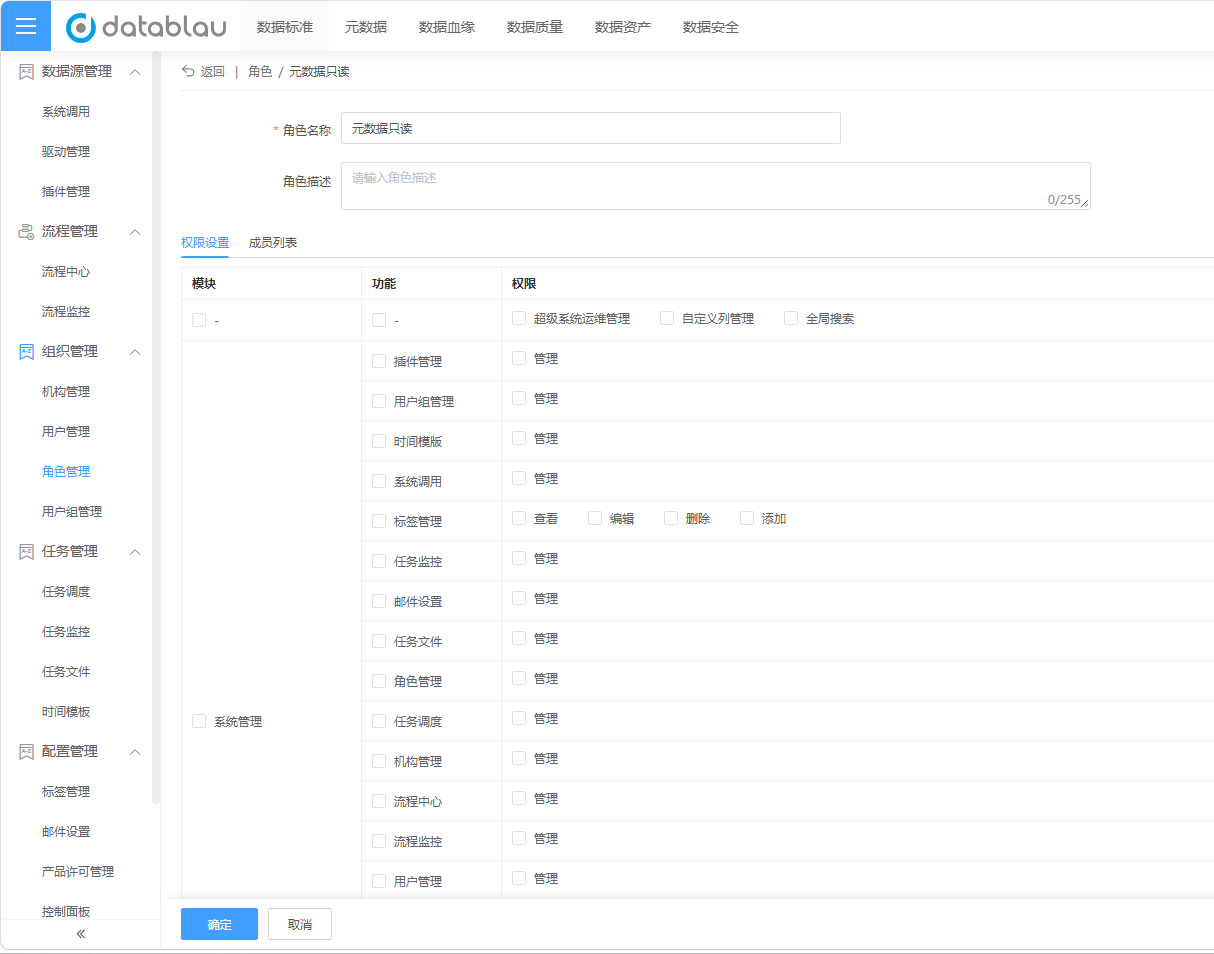
The role name is illustrative. Select rights by actual responsibility.
Step 3: Prepare sources
Create systems/sources in Metadata harvesting, Test connections, and check Drivers/plugins. Connection success is not harvesting success.
Step 4: Prepare approvals
Configure/deploy forms, nodes, and participants in Workflow Center. Test initiation, handling, and history on a few objects; saving alone is insufficient.
Step 5: Schedule and notify
Configure Schedules/templates and Email scenarios, including triggers, parameters, and recipients. Verify first outputs and history.
Completion checks
| Area | Result |
|---|---|
| Identity | Correct organization and usable account |
| Rights | Intended user can perform responsibilities |
| Resources | Tested sources and drivers |
| Approvals | Deployed and routed to intended reviewers |
| Schedules | Correct recurrence/dates and traceable runs |
Next: harvest initial objects in Metadata management.